
Utilities
SnapForMac
Snap windows side by side with a shortcut, a drag or a Snap Layouts bar.
- Free, Pro from $14.99 once
- macOS 13 or later
- Apple Silicon and Intel
- SnapForMac
About
What SnapForMac is
SnapForMac is a menu-bar app that puts windows where you want them. Halves, quarters, maximise, centre and restore each have a shortcut that works in any app. Drag a window to a side for a half, to a corner for a quarter, or to the top of the screen for the Snap Layouts bar.
The Snap Layouts bar holds six layouts, from two halves to a wide centre with a narrow window on each side. Pick one, and SnapForMac lists your other open windows so the next zone is one click away. Snapping by keyboard and drag is free; Pro adds unlimited layouts, pairs and saved arrangements, paid once.
What it does
Key features
- A shortcut for every placeHalves, quarters, maximise, centre and restore, in any app.
- Drag to snapA side for a half, a corner for a quarter, the top for layouts.
- Snap Layouts barSix layouts that fill with your open windows in one click.
- PairsTwo windows that move and come forward together.
- More than one displayEvery display has its own zones and shortcuts.
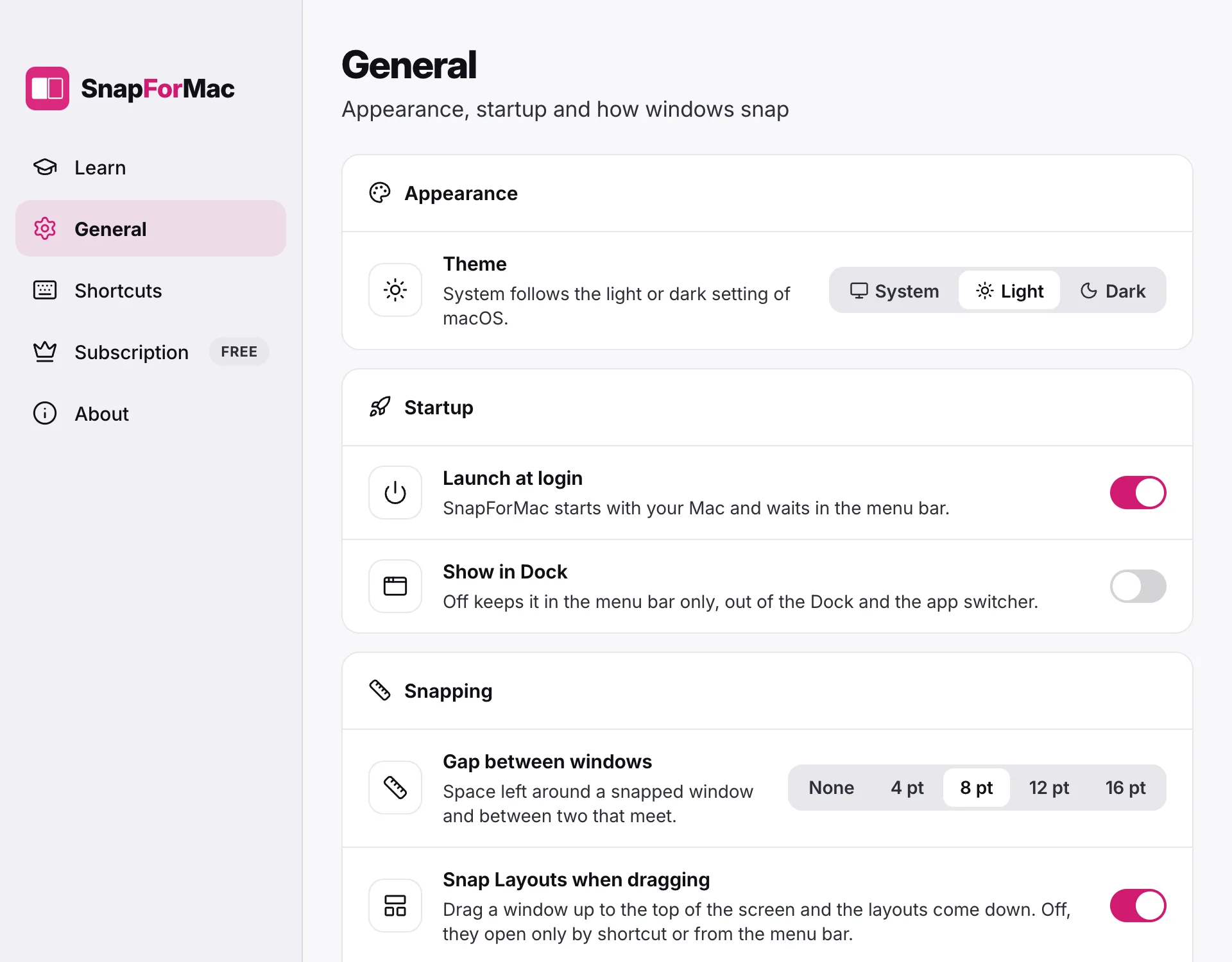
- Lives in the menu barNo Dock icon, no window of its own until you ask.
Keep looking
More Mac apps
 MailvieA fast, private mail app for your Mac. Every account in one inbox.ProductivityFree to read, plans from $3.99
 MacPruneMap your disk and clean it by risk when your Mac is almost full.UtilitiesFree, Pro is a one-time purchase
 ShortcutDockA menu bar app launcher. One click, and your apps drop down.ProductivityFree, Pro is a one-time purchase
For developers
Built a Mac app? Put it on the list.
Free with our badge on your site. One form, no account, and a person reviews it.